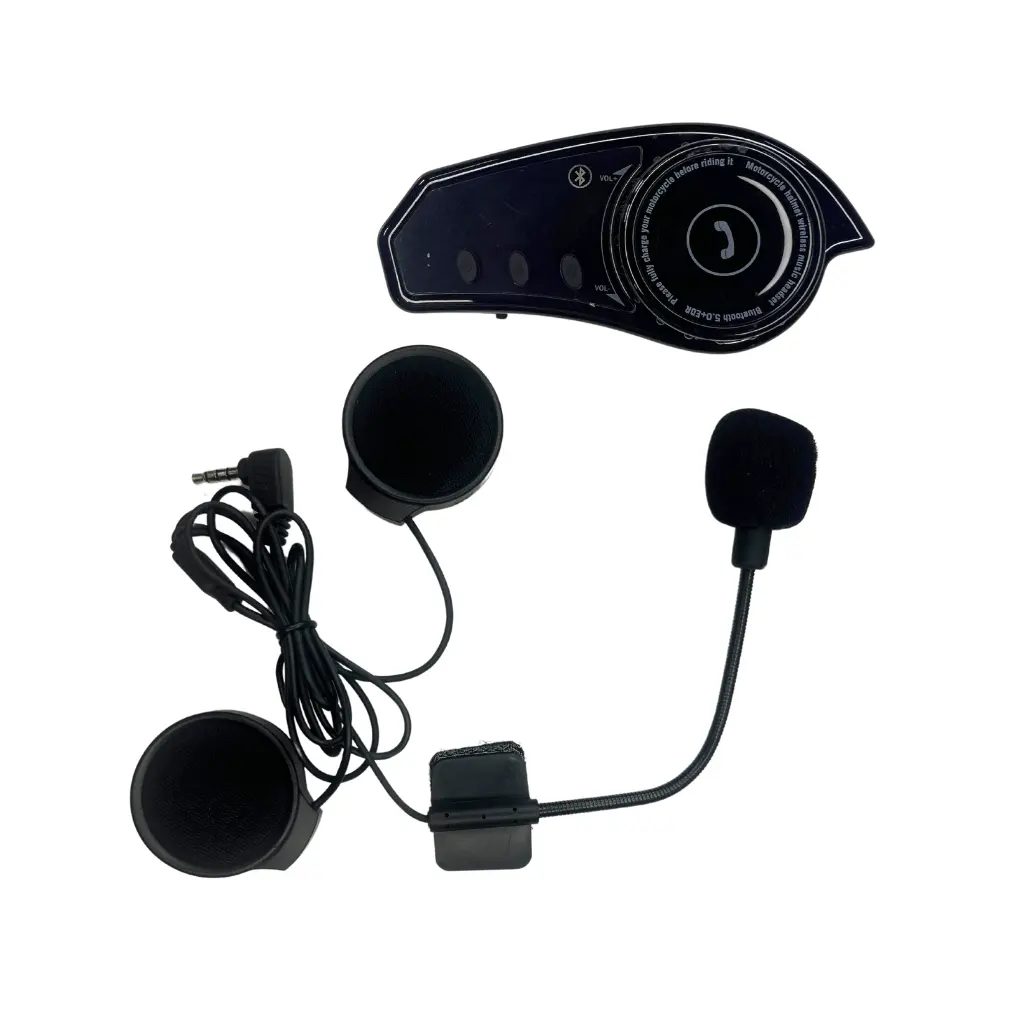
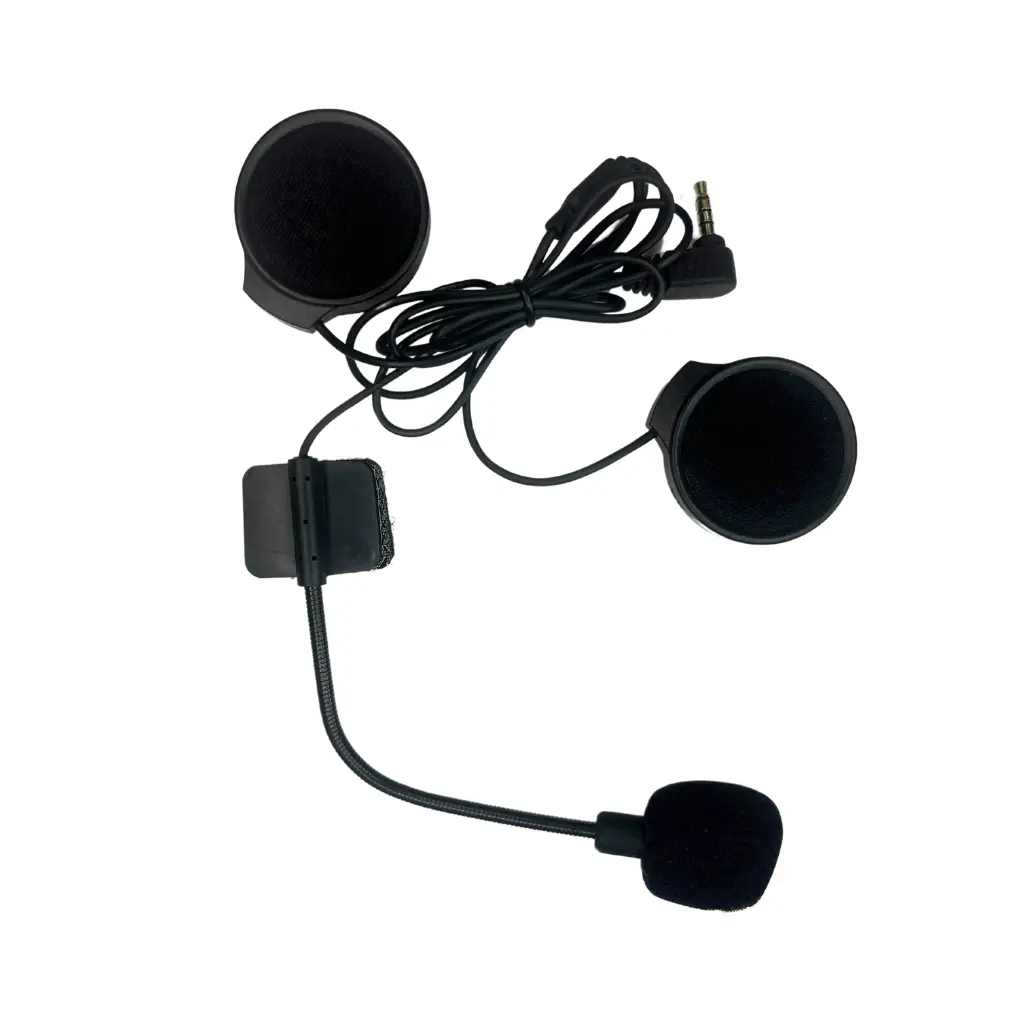
Description
If “BT8” is a specific Bluetooth system or setting within a helmet, you may need to refer to the user manual or documentation that came with the helmet or the Bluetooth device. Here are general steps you might follow to access Bluetooth settings on a helmet communication system:
-
Turn on the Helmet Bluetooth System:
- Power on the helmet Bluetooth device by pressing the power or pairing button.
-
Enter Pairing Mode:
- Typically, Bluetooth devices have a pairing mode that allows them to be discovered by other devices. Check the manual for instructions on how to enter pairing mode.
-
Activate Bluetooth on Your Device:
- On your smartphone or other Bluetooth-enabled device, go to the Bluetooth settings and turn on Bluetooth.
-
Search and Pair:
- In your device’s Bluetooth settings, look for available devices. The helmet Bluetooth system (BT8 in this case) should appear in the list.
-
Connect and Configure:
- Once the devices are paired, you may need to configure specific settings, such as audio volume, call preferences, or intercom features. Refer to the manual for details.
Explore more from our collection.
Reviews
There are no reviews yet.